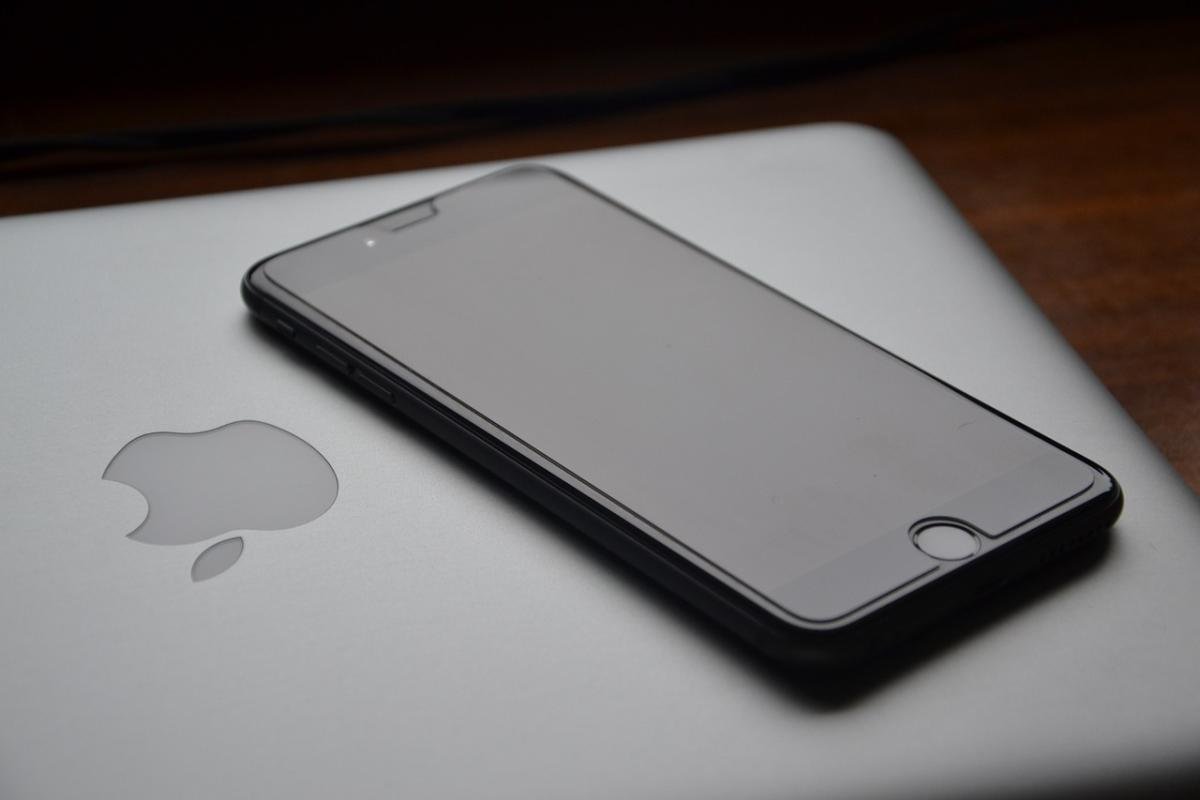
The MacBook Pro is more than just a laptop; it’s a powerful tool that caters to a variety of needs. One of its most exciting features is the Retina display, which brings images and videos to life with stunning clarity and vibrant colors. Whether you’re editing photos, watching movies, or working on presentations, the details on this high-resolution screen are simply breathtaking. The True Tone technology adapts the display according to the ambient light, ensuring a comfortable viewing experience no matter where you are.
Another standout feature of the MacBook Pro is its performance. Equipped with Apple's M-series chips, these laptops offer incredible speed and efficiency. Tasks that once took minutes can be completed in seconds, making it an excellent choice for professionals who need to multitask. With the ability to run demanding software and handle large files seamlessly, the MacBook Pro proves to be a reliable partner for creative projects and business tasks alike.
The keyboard and trackpad on the MacBook Pro are designed for comfort and precision. The Magic Keyboard provides a responsive typing experience, making long writing sessions less tiresome. Meanwhile, the spacious trackpad supports a variety of gestures that make navigation intuitive. This combination of hardware ensures that you can work efficiently and comfortably, whether you're typing an email or browsing the web.
In addition to these features, the MacBook Pro offers impressive battery life. With up to 20 hours of use on a single charge, you can work, play, and create without constantly worrying about plugging in. This feature is especially valuable for those on the go, allowing users to tackle their tasks from coffee shops, airports, and other locations without being tethered to an outlet. The combination of durability and portability makes the MacBook Pro an ideal companion for people with dynamic lifestyles.
Boosting Performance for Everyday Tasks
When it comes to getting tasks done efficiently, the MacBook Pro is a powerhouse. Whether you’re juggling multiple applications, working on graphic design, or writing code, there are several ways to boost performance for your everyday tasks. The sleek design and advanced technology of the MacBook Pro ensure you have the tools you need to work swiftly and effectively.
One simple yet powerful way to enhance your MacBook Pro's performance is by managing your applications. Keep track of what’s running in the background; too many open apps can slow your system down. Use the Activity Monitor to see which applications are consuming the most resources. If you find an app you don’t need at the moment, don’t hesitate to close it. This not only sounds beneficial but can also free up valuable memory and CPU power for the tasks that matter most.
Another great tip is to utilize the storage optimization features built into macOS. By enabling options such as "Optimize Storage," you can automatically manage your files and store only what you need on your device. This avoids clutter and ensures that your MacBook is operating with the necessary space available. Having a clean desktop and organized files can significantly improve your workflow, helping you to find what you need without wasting time.
Lastly, consider taking advantage of keyboard shortcuts. Learning and utilizing these shortcuts can save you a lot of time. For example, commands like Command + C for copy and Command + V for paste can streamline your tasks, making mundane actions quicker and easier. The more you know, the less time you’ll spend navigating through menus and options, allowing you to focus on the creative aspects of your work.
Enhancing Creativity with Powerful Tools
Creativity thrives when we have the right tools at our disposal. The MacBook Pro stands out as a powerful ally for creators, equipping them with a suite of applications and features that can elevate their work. From graphic design to music production, the capabilities of the MacBook Pro are designed to inspire and enhance creativity in every project.
One of the standout tools available on the MacBook Pro is the seamless integration of software like Final Cut Pro for video editing and Logic Pro for music production. These professional-grade applications provide users with the advanced features needed to bring their visions to life. Whether you are editing a short film or composing your next hit song, these tools help streamline your workflow, allowing you to focus on what truly matters: your creativity.
In addition to high-quality applications, the MacBook Pro offers a stunning Retina display that brings your creations to life with vibrant colors and sharp details. This visual clarity helps artists and designers accurately assess their work, ensuring that every pixel is just right. Coupled with the powerful hardware underneath, including a robust processor and ample RAM, users can multitask seamlessly, running demanding applications side by side without breaking a sweat.
Collaboration is also made easier with features like AirDrop and handoff capabilities, allowing you to share your work quickly with colleagues or clients. This fosters an environment of creativity where ideas can be exchanged and refined on the go. Whether you’re at home, in a café, or in a meeting, your MacBook Pro keeps you connected and ready to create whenever inspiration strikes.
Tips for Maximizing Battery Life
To get the most out of your MacBook Pro, it’s essential to maximize its battery life. Here are some straightforward tips to help you keep your device running longer between charges. By making a few simple adjustments, you can extend your battery's lifespan and ensure you have power when you need it most.
First, manage your display settings. Reducing the screen brightness can significantly improve battery life. You can find the brightness slider in the Control Center or by using the keyboard shortcut F1 and F2. Additionally, consider enabling the “Automatically adjust brightness” feature; this will allow your MacBook to optimize brightness based on the surrounding light conditions.
Second, keep an eye on your apps and background processes. Some applications consume a lot of energy, especially those that use GPS or require intensive graphics. Use the Activity Monitor (found in Applications > Utilities) to identify which apps are draining your battery. Close or limit those applications to conserve power.
Lastly, take advantage of macOS's built-in battery management features. You can enable “Battery Health Management” in System Preferences. This feature helps improve the overall lifespan of your battery by reducing the peak capacity during charging when it's unnecessary. Additionally, consider using “Low Power Mode,” which can be easily switched on when you need to stretch your battery life a bit further.